Dynasend Onboarding for Managers
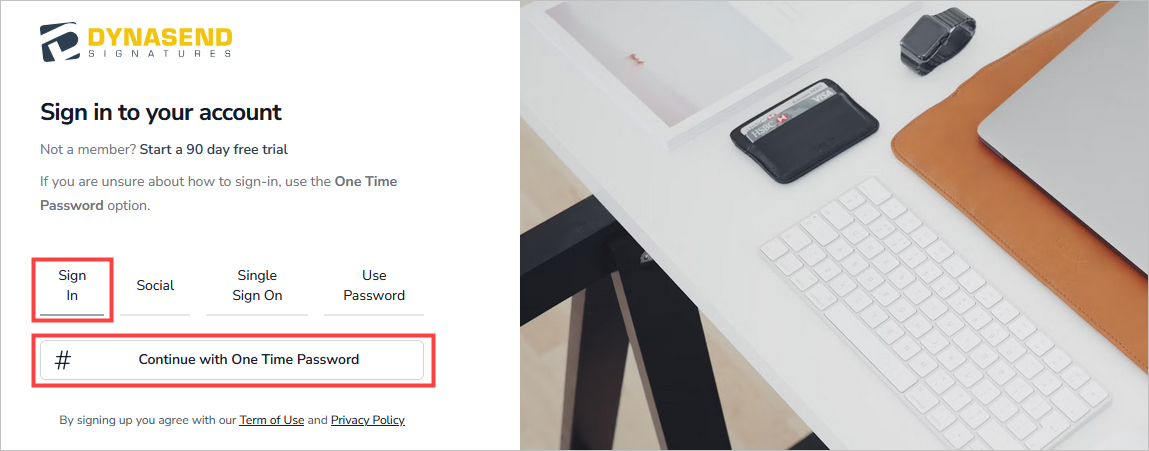
Note that this is not the process users will need to go through - their process will be much simpler, or even non-existent (if the AD sync is configured).Step 1 - Authenticate Yourself by Logging in (using your business email address) and saving your signature: Login by clicking here:
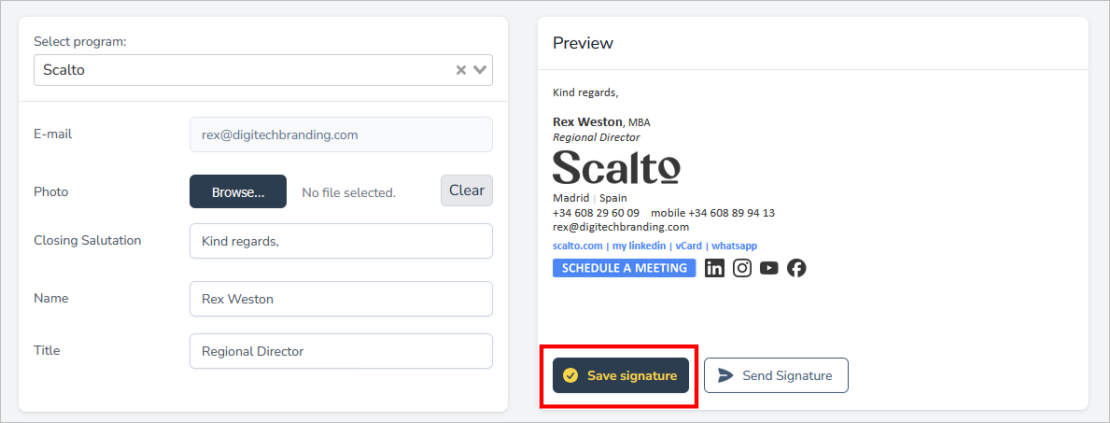
Once logged in, complete the data-enty screen and click “Save Signature”:
Step 2 - Request Credentials: Contact us and request credentials: After saving your signature email us here to request “manager’s” credentials.